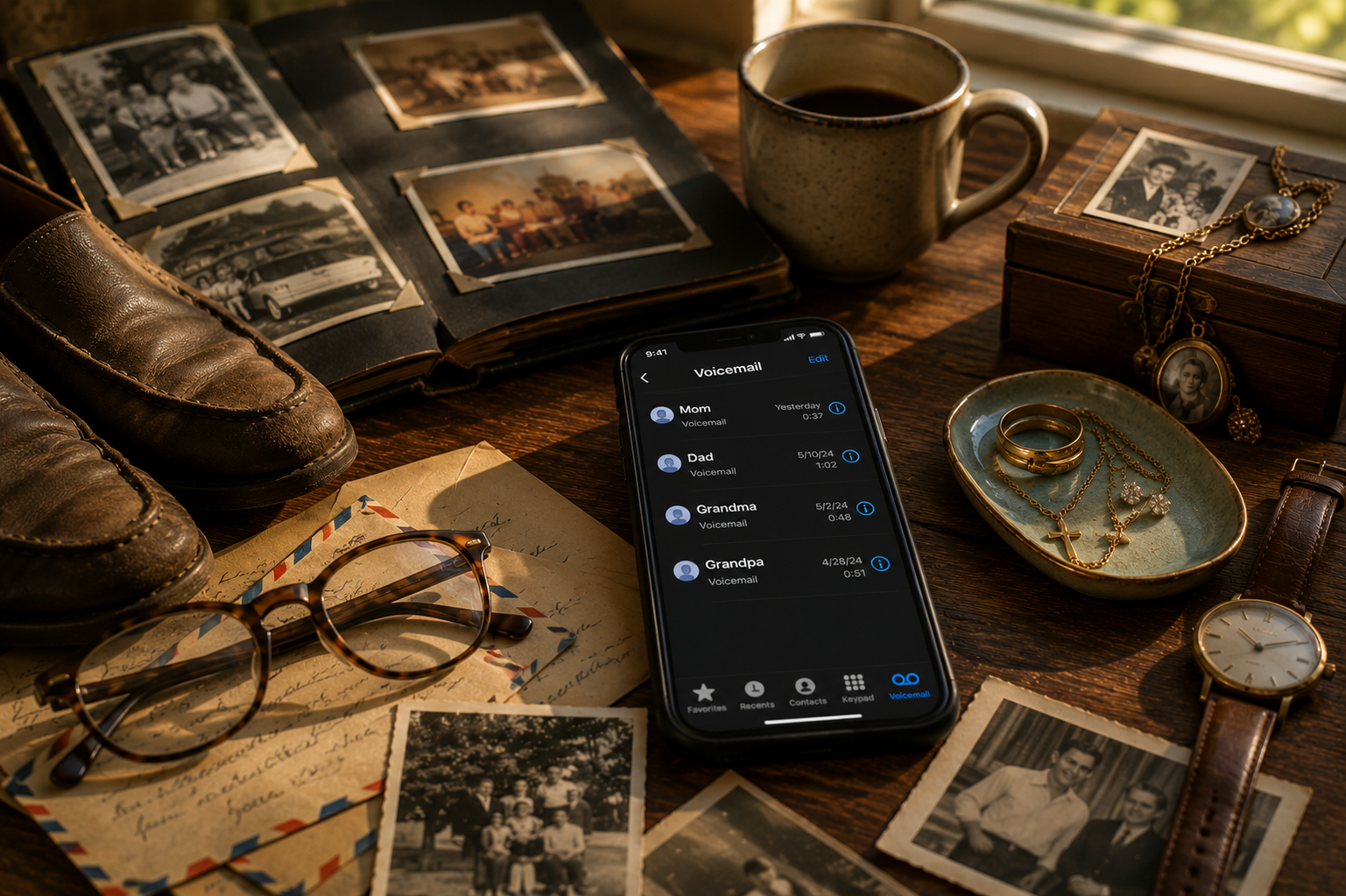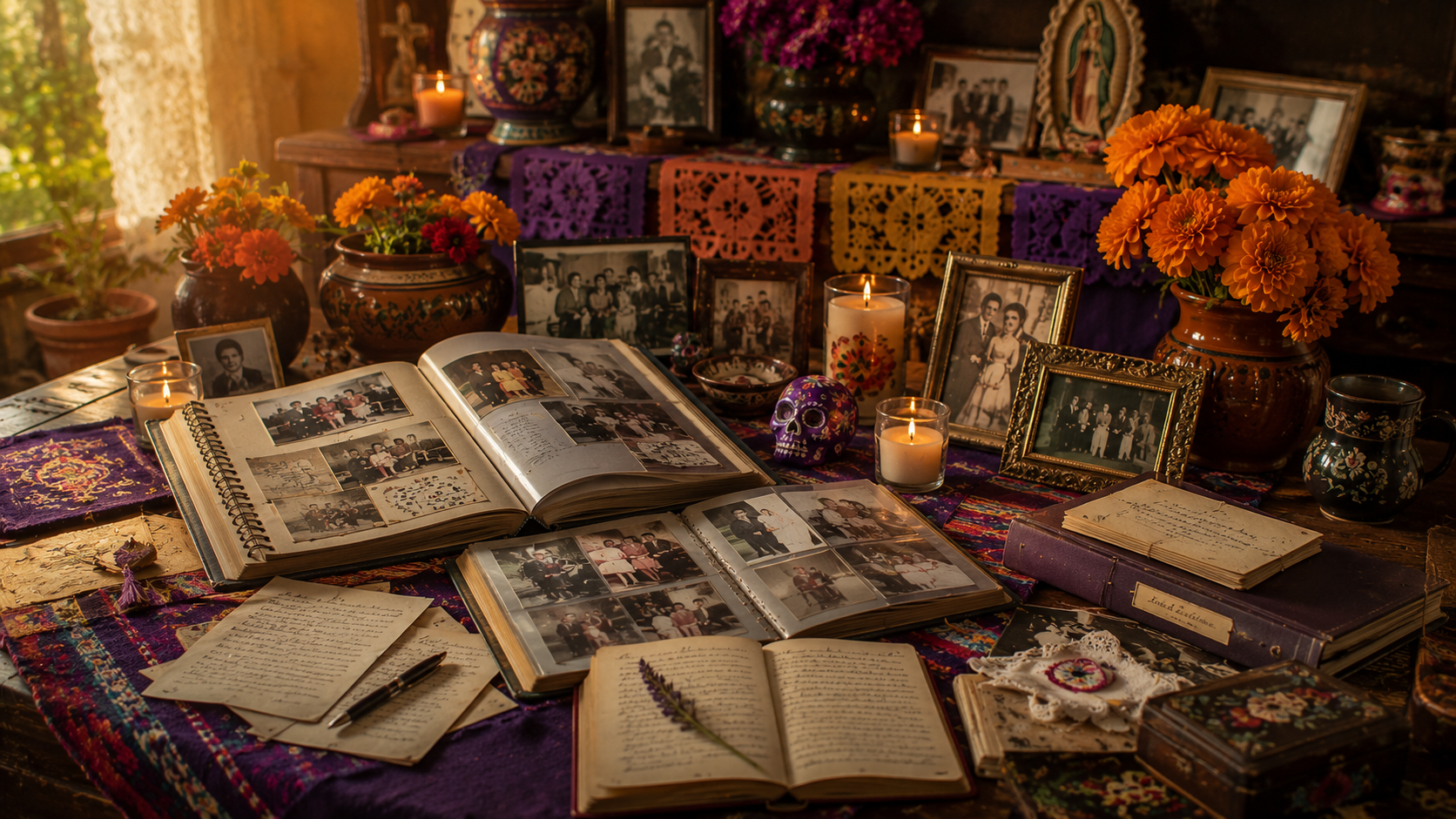
Family photos are more than images. They are proof that someone was here, that a life was lived, and that ordinary moments mattered.
Start with what you already have
Before buying storage boxes or scanning equipment, gather the photos you already have.
Look for:
- Printed albums
- Loose photographs
- Framed pictures
- Old phones
- Family group chats
- Social media downloads
- Funeral slideshow folders
- USB drives or old computers
Protect the originals
Keep printed photos away from moisture, direct sunlight, and extreme heat.
Use acid-free photo boxes when possible, and avoid writing directly on the front or back of older photographs.
Digitize with care
Scanning is often better than taking a phone photo, but phone photos can still help preserve memories quickly.
The most important thing is to begin.
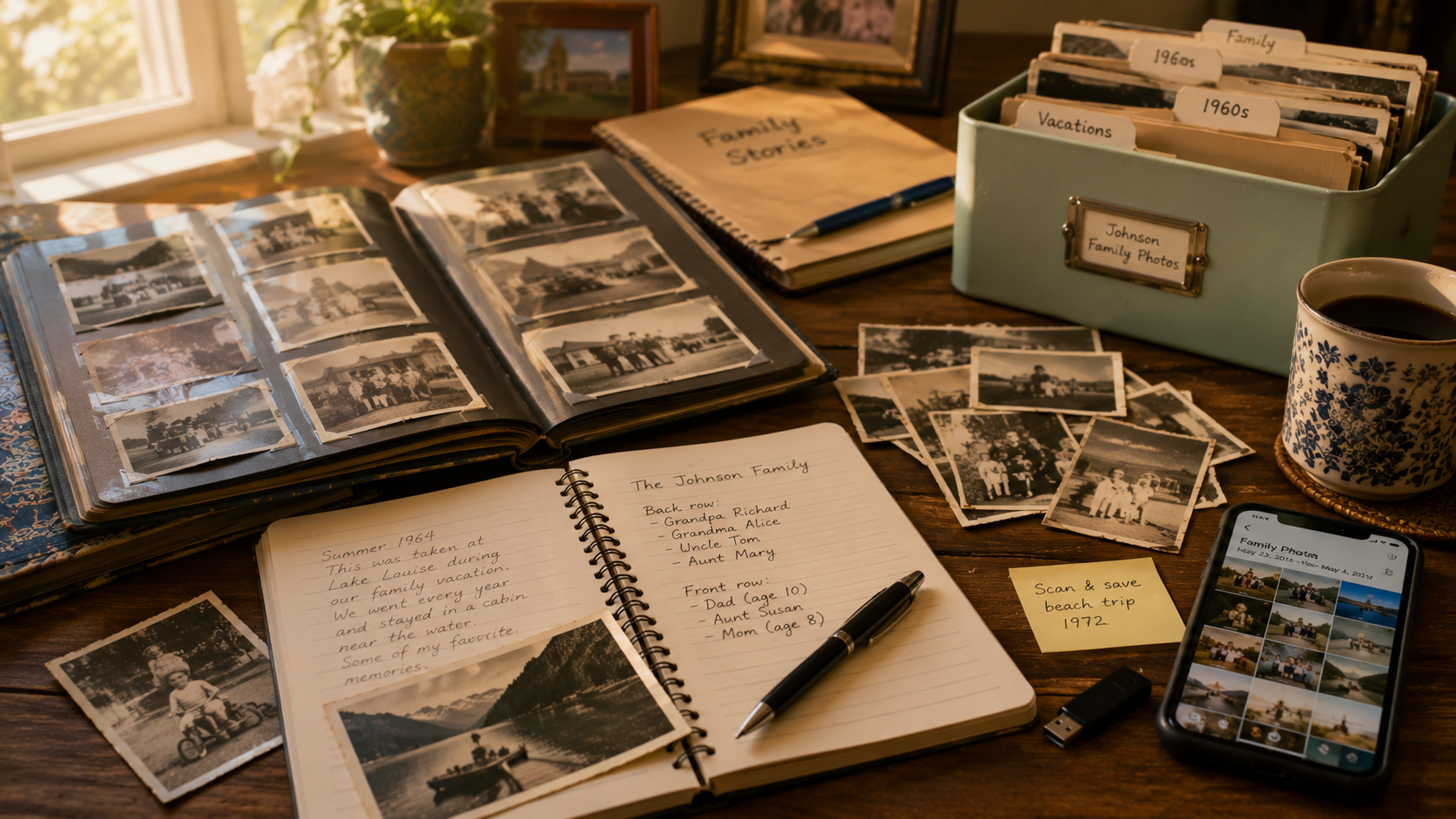
Add names and stories
A photo without context can become a mystery.
Write down who is in the photo, when it may have been taken, where it happened, and why it matters.
Preserve privately
Family memories do not need to live on a public profile to be meaningful.
A private family space can help keep stories, photos, videos, and memories together for the people who should have access.